Build a clearer, more professional CV — with AI
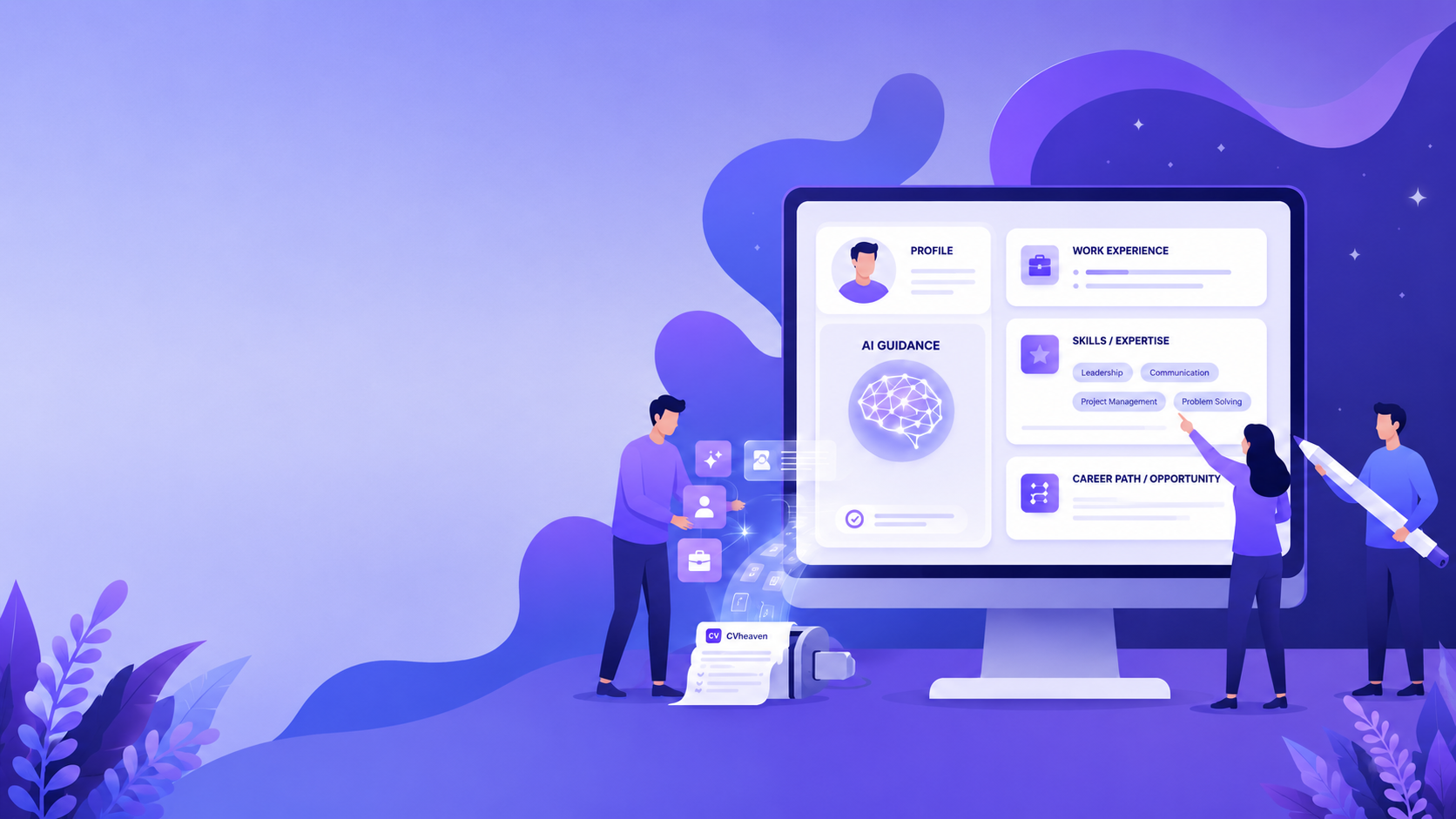
CVheaven helps you turn your experience into a clean, ATS-friendly CV. AI improves your wording, surfaces relevant skills, and tightens your structure — in minutes.
How it works
Upload or build manually
Start from scratch or import your existing CV or resume from PDF or DOCX.
Improve your content
Use AI suggestions to strengthen bullet points, descriptions, and skills without losing control of your CV or resume.
Export and get career insights
Download a clean ATS-friendly CV or resume PDF and get AI Career Analysis based on your completed CV.
See CVheaven in action
Upload your existing CV or start from scratch — and turn your experience into one of these clean, structured layouts.
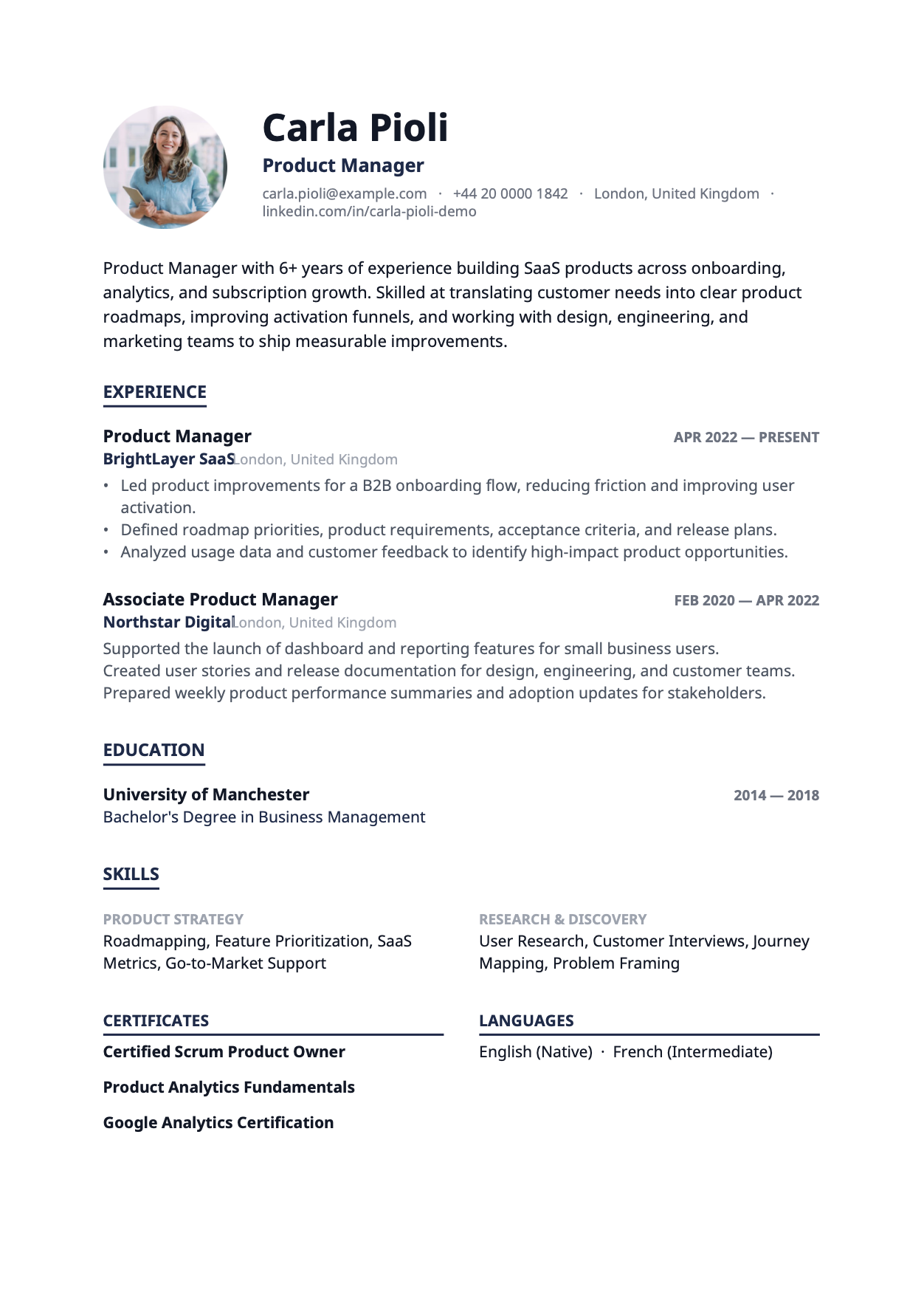
Modern Minimal
Clean and elegant design with strong typography and generous whitespace.
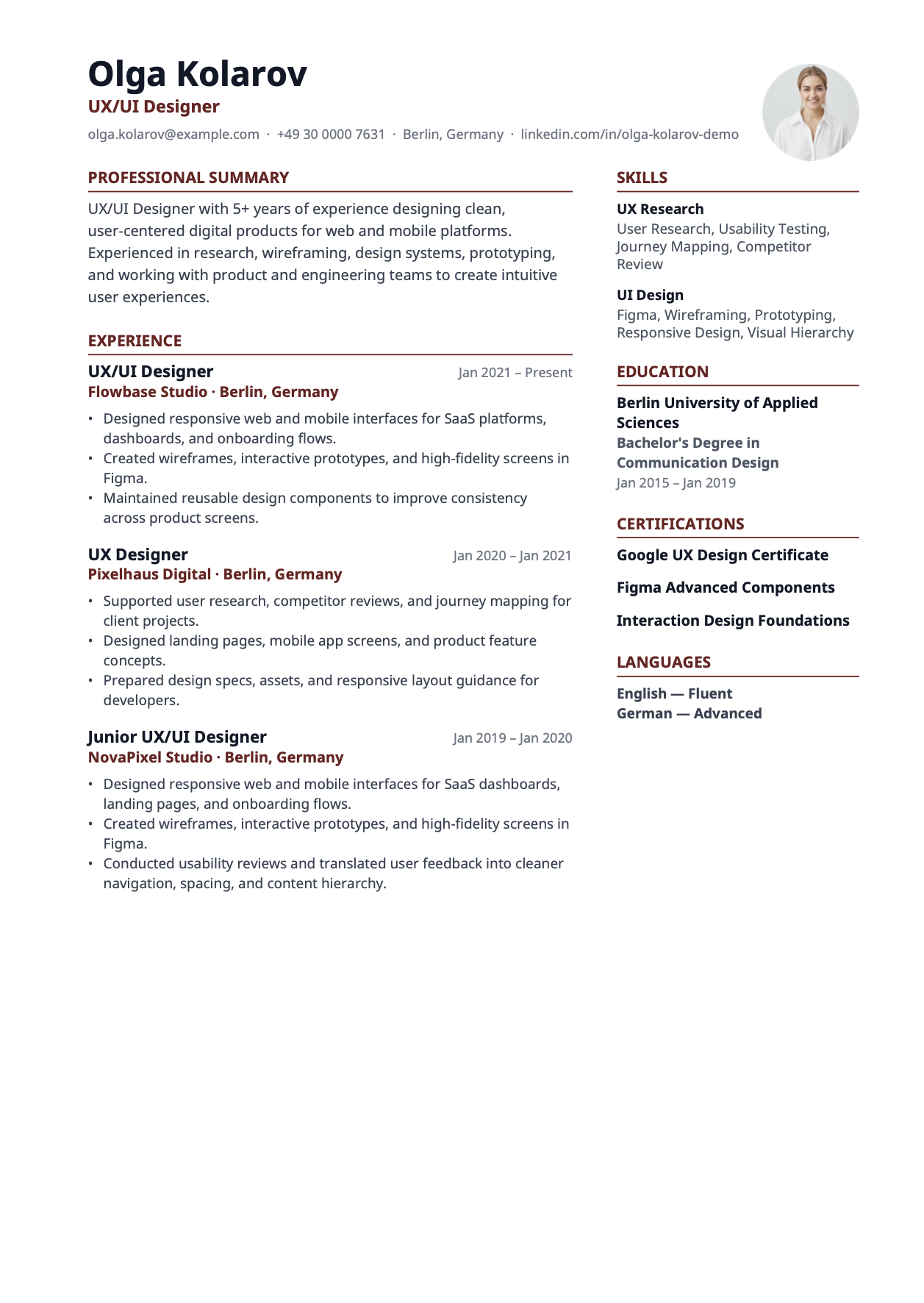
Clean Two-Column
Crisp two-column layout that is professional and highly ATS-friendly.
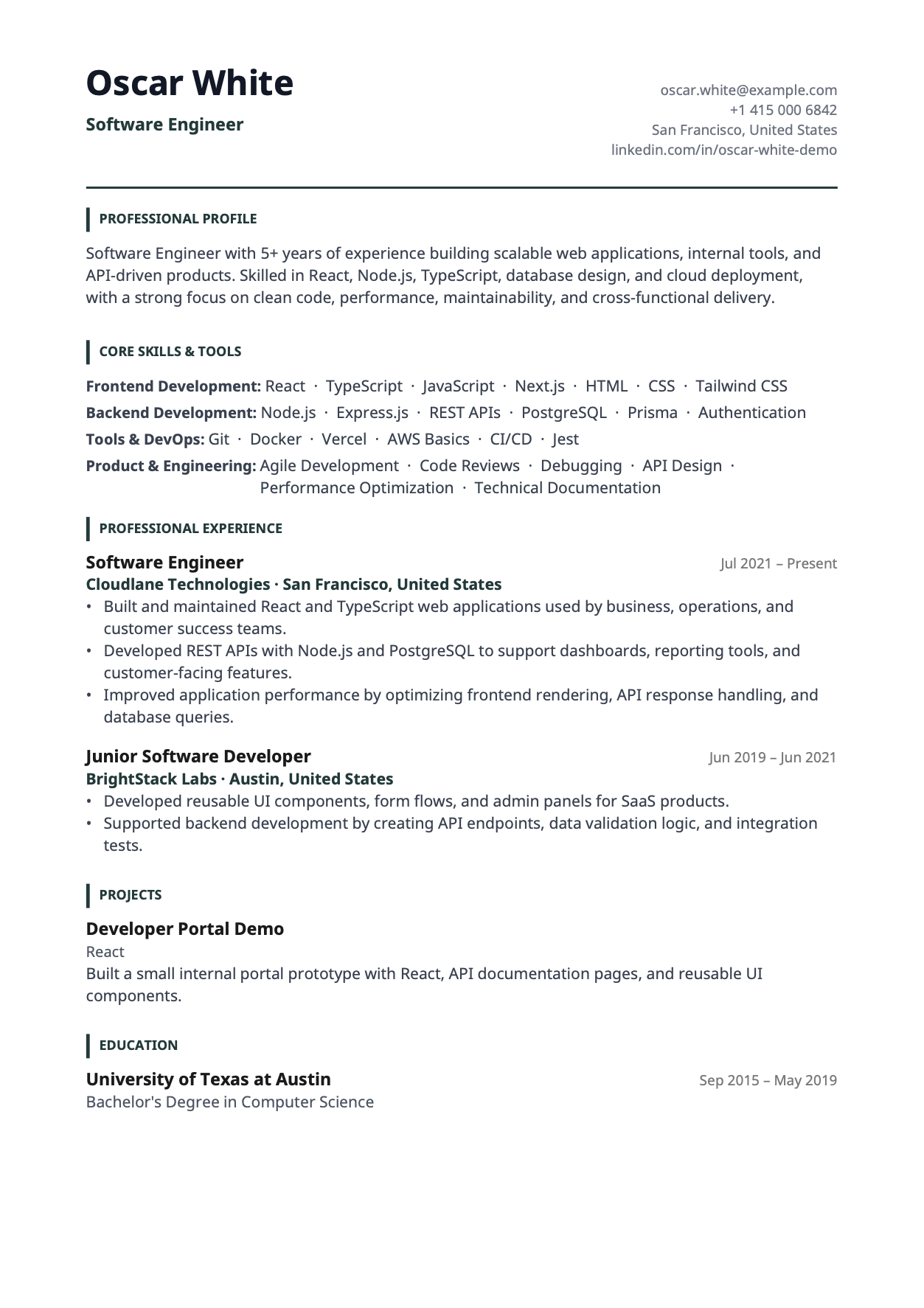
Tech
Skills-first layout with a two-column header, built for engineers and product managers.
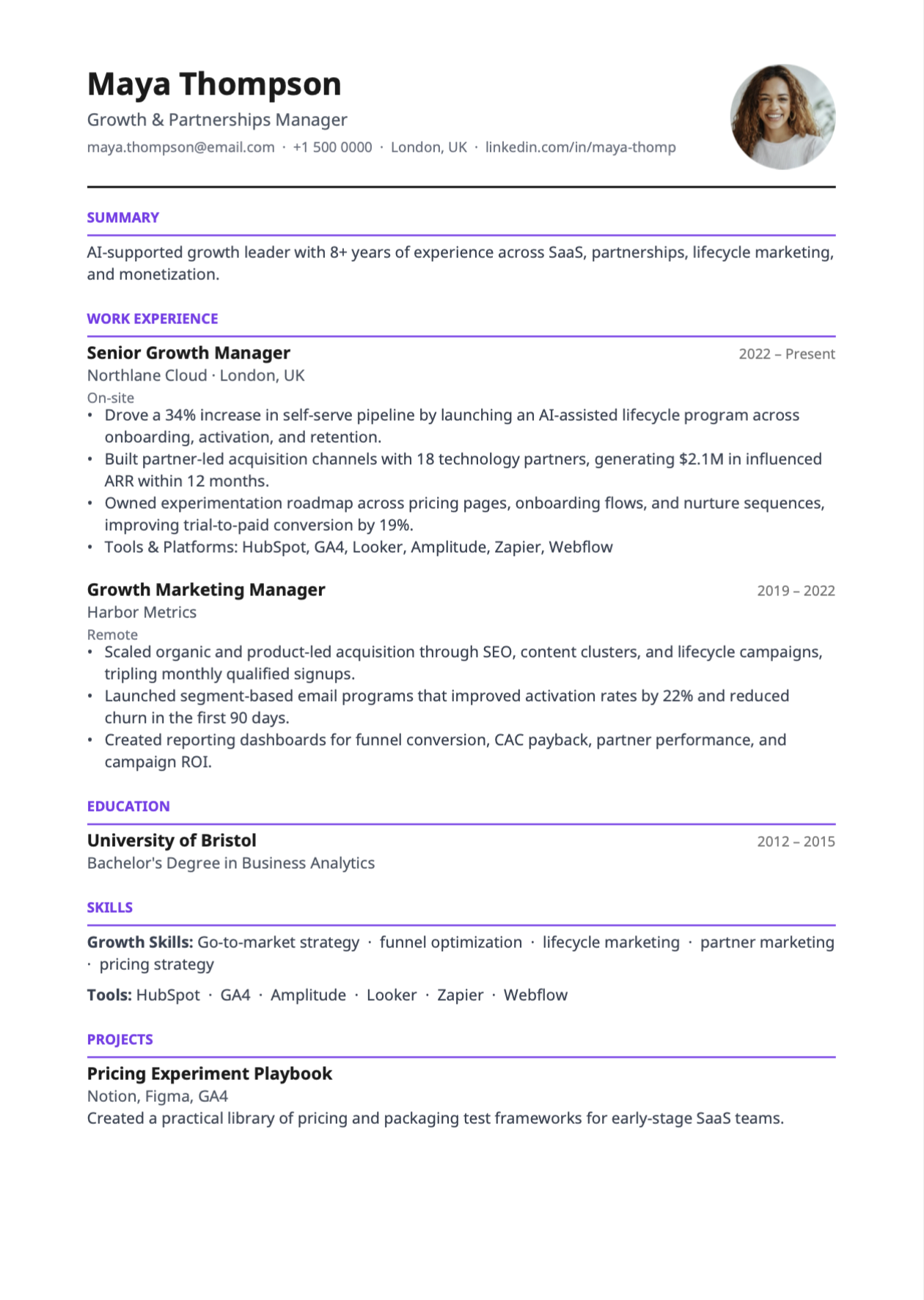
Classic
A timeless layout that works across most roles and industries.
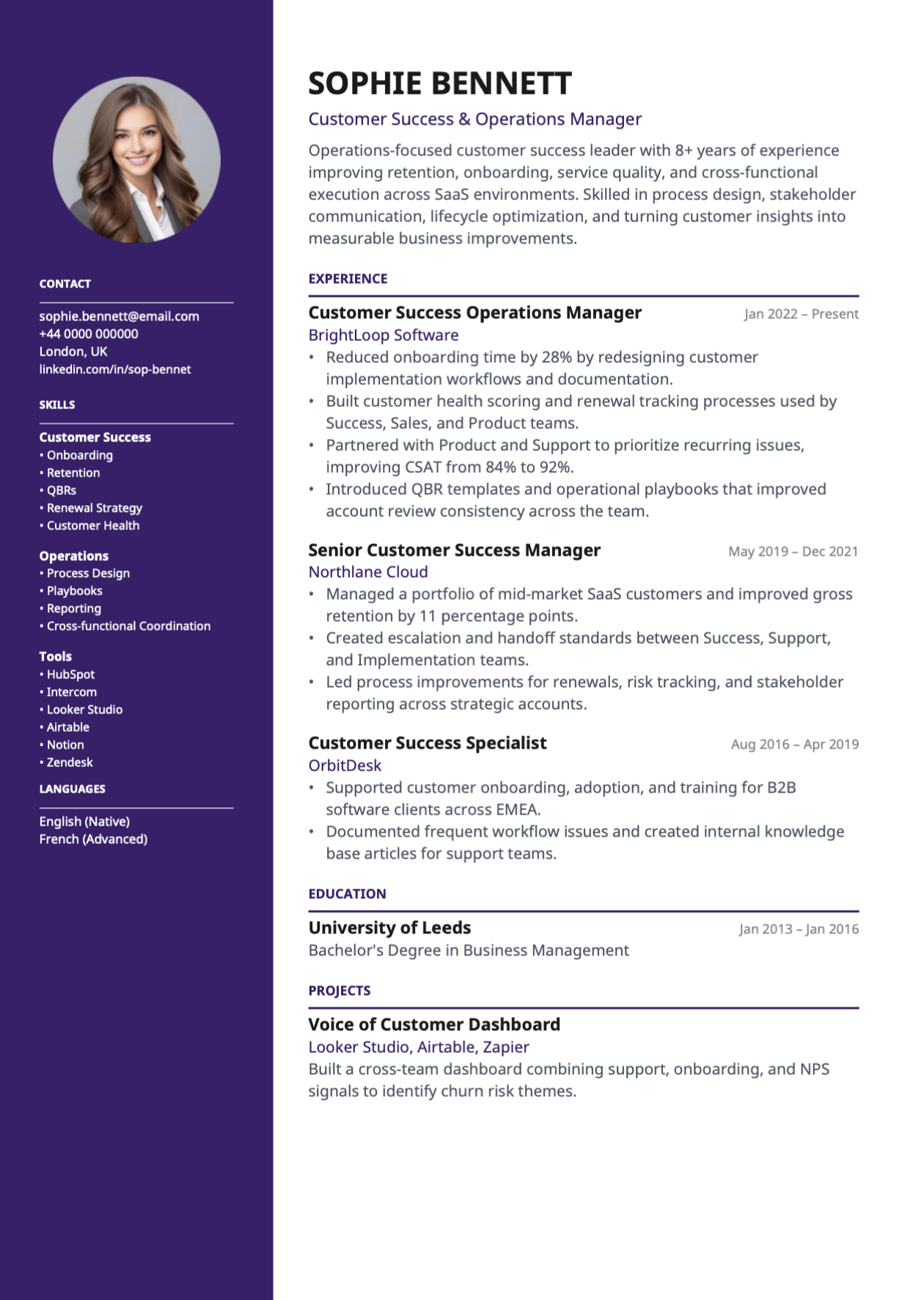
Modern
A bold header design with a colored sidebar, great for creative roles.
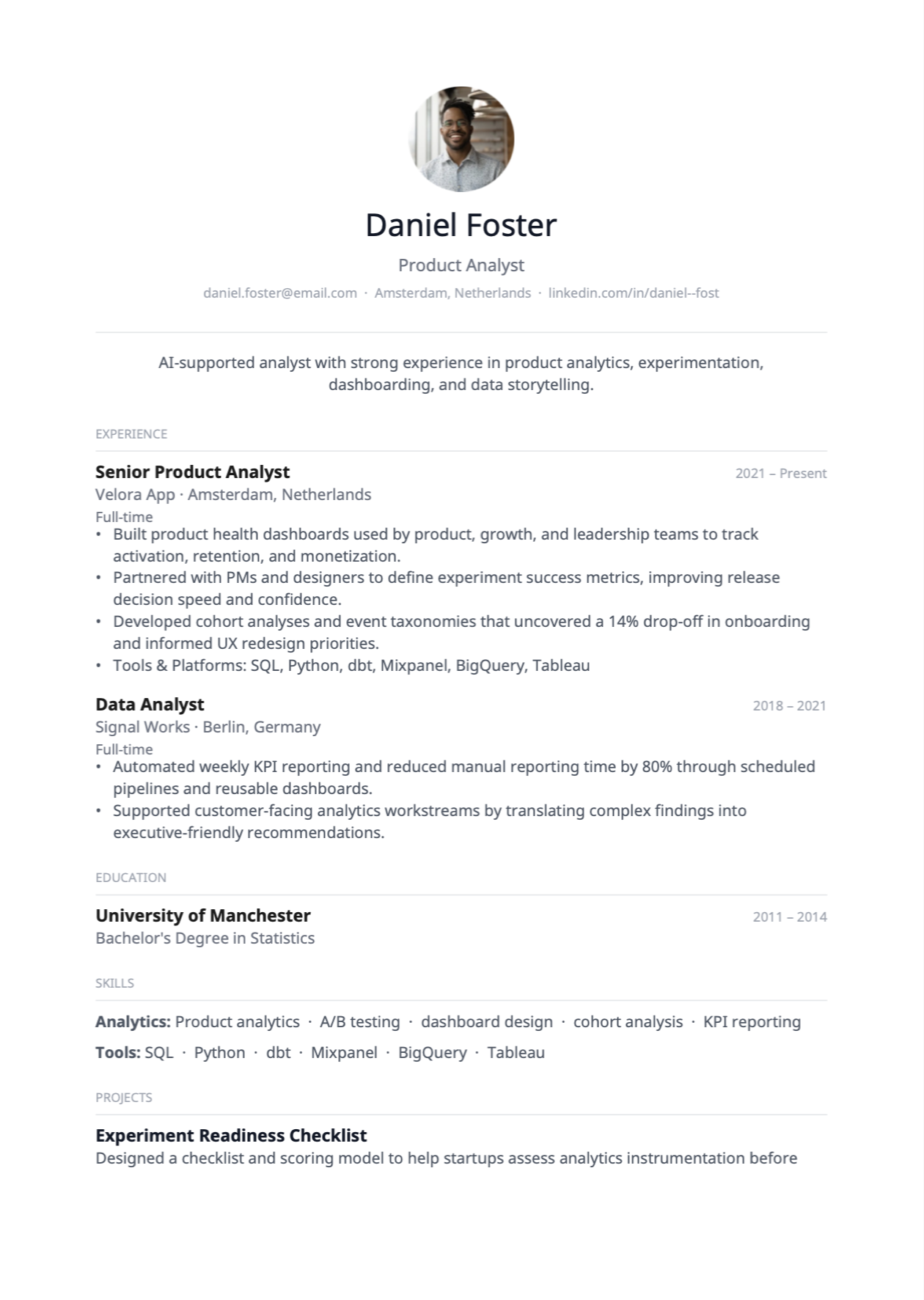
Minimal
A clean single-column format where content takes center stage.
Build a stronger CV or resume with AI
CVheaven combines structured CV building with AI support to help you write better descriptions, improve clarity, and present your experience more effectively.
Free is genuinely useful. Pro is for active job seekers.
Build and export your CV for free. Upgrade only when you want more AI help and deeper career insights.
- ✓Build and edit your CV
- ✓Professional templates
- ✓Import an existing CV
- ✓Download your CV as a PDF
- ✓3 AI suggestions per month
Why upgrade to Pro?
Refine weak experience descriptions faster
Get more AI help when tailoring your CV
Unlock Career Analysis for deeper CV feedback
Frequently asked questions
What does ATS-friendly mean?
ATS-friendly means your CV or resume uses a clear structure and readable formatting that is easier for screening systems and recruiters to process.
Can I upload my existing CV or resume?
Yes. You can upload an existing CV or resume from PDF or DOCX and turn it into an editable CV inside CVheaven.
Will AI rewrite my CV automatically?
No. CVheaven gives AI-supported suggestions, but your content stays under your control. Nothing is changed unless you choose to apply it.
What is AI Career Analysis?
AI Career Analysis gives you structured insights based on your CV data, including role fit, strengths, skill gaps, market readiness, and career recommendations. It is available on the Pro plan.
Can I edit my CV later?
Yes. You can save your CV, come back later, and keep improving it as your experience grows.
Is CVheaven free?
Yes. You can build, edit, and download your CV for free. The free plan includes 3 AI suggestions per month. CVheaven Pro ($5.99/month or $49.99/year) gives you more AI suggestions each month and unlocks AI Career Analysis.
Can I download my CV as a PDF?
Yes. CVheaven lets you preview your CV and export a clean PDF version when you are ready to share it.
Is my data private?
Your CV data is used to provide the product experience and AI-supported features. You stay in control of your CV content and can edit or delete saved CV information from the CV Builder.